We’re all familiar with the internet, especially since we use it to do almost all of our daily activities. Since the days of that familiar buzzing noise of AOL dial-up as it connected to somewhere out there in the stratosphere, we’ve been hooked on the internet and its vast space that holds endless amounts of information, ready for us to tap into right at our fingertips. We’ve become so accustomed to jumping online and wandering around the many sites, that we’ve forgotten that there is a whole system working behind the scenes to make all of our activity possible. There are millions of pieces of code that are actively working in the background to ensure the online experience is as safe for us as possible, especially since every hero comes with an enemy – in this instance, the internet vs malware.
New software, updates, algorithms, and technologies are forever evolving to ensure that our data and personal information are always secure and protected when we shop, bank, and just generally roam online. So why do some of us still not know what an SSL certificate is?
What is an SSL certificate?
The acronym “SSL” stands for Secure Sockets Layer and refers to a technology developed to ensure data safety during an internet connection between servers. This cryptography allows you to make online purchases without hackers being able to steal your data and use them for criminal activity.
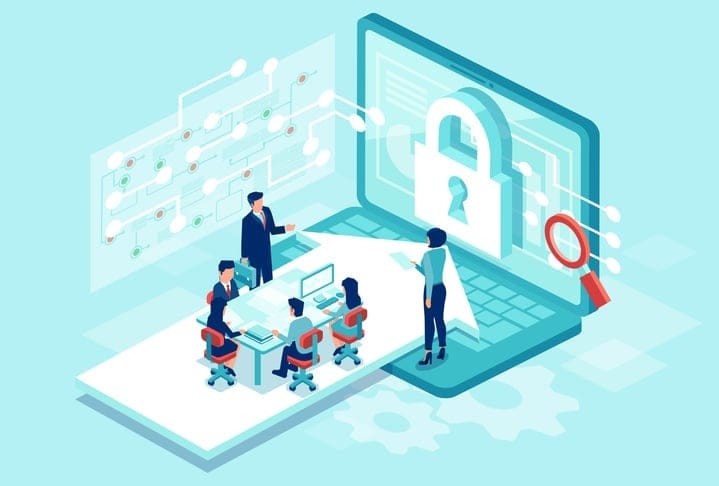
An SSL certificate, therefore, is something that online companies use to show that their customers’ data is protected. It tends to be highlighted on websites with a padlock and a tick so looking out for this on the websites that you use when entering your card details for the first time or signing up to a lengthy contract is key to knowing you’re protected.
How else can I spot SSL security on a website?
Different from the antivirus, you don’t need to install anything on your computer for SSL protection. In fact, SSL security and protection is installed on a website’s server. Therefore, when you’re navigating the internet, before sharing any of your personal data, you must ensure that the website you are using starts with https:// rather than the previous http://. Can you spot the very small difference? The letter “s” in the first case means “secure” so you can be confident that your information is safe from potential hackers and scammers online.
Is SSL all about online security?
Quite simply, the answer is yes! Security is everything when it comes to your online data, especially since it’s easy for hackers to get hold of this data if websites aren’t doing all that they can to protect it. However, another great advantage of SSL security is that it’s also praised by Google and helps websites to rank better if it knows their server is secure for users.
Different SSL certificates
There are 3 different types of SSL certificates: Extended Validation (EV SSL), Organization Validated (OV SSL), and Domain Validated (DV SSL). Despite having the same level of security, they do differ in their verification process for website owners.
How do companies buy SSL certificates?
The importance of SSL certificates for online businesses is immeasurable, especially since it offers a layer of protection for themselves and their customers. There are many options for buying SSL certificates online with varying prices depending on a website’s security needs. Some of the most popular places to buy an SSL certificate from are: Bluehost, SSL.com, Namecheap, Global Sign and Comodo SS Store.
SSL certificates for online customers
As an internet user, it’s extremely important for you to be aware of security measures that companies should be taking, like SSL certifications, even if you don’t have a deep knowledge of what they do in the background. Whenever you visit a new website and you’re giving away your personal information, always be sure to check for an SSL certificate or the padlock symbol that represents it. Having peace of mind that your data is safe and secure, especially if you’re using your Visa or Credit card over the internet is imperative, especially with malicious threats that you don’t know about lurking on websites.
If you’re a website owner and you’re not sure if your SSL certificate has expired or is working to the best of its ability, use our SSL monitoring tool to help you build customer trust and drive more revenue.