
StatusCake

Why you should be using a VPN when working from home

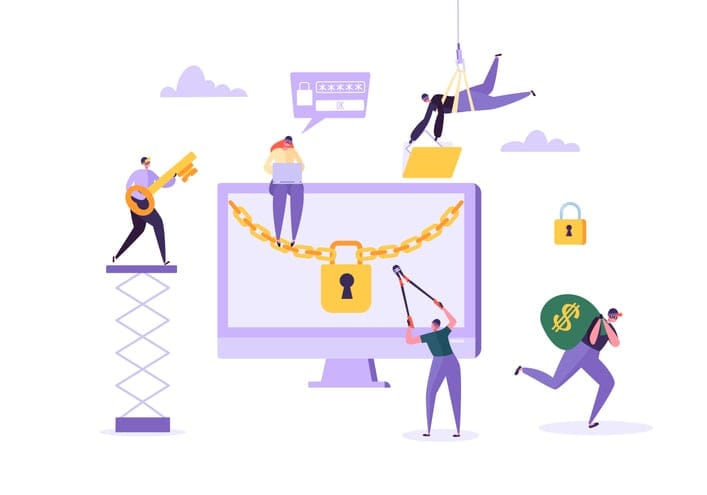
With so many of us working from home full time for the last 16 months, VPNs have become essential tools for companies to keep their staff working in a safe environment. What we mean by “safe” is mainly about your online presence whilst performing daily tasks for your job. If you aren’t currently using a VPN and wondering why you should – VPNs, put simply, are a great additional safety step for your company, especially if you’re logging into a lot of 3rd party applications like your CMS, CRM, or email marketing tools, for example.

So what is a VPN and what are the benefits of using one?

A VPN is a secure virtual private network that only authorised users can access when they use their login credentials to the network. Once the users are logged in they can go about their daily tasks as normal because the VPN does not interfere with the system in any way. The VPN becomes more useful when staff need to send out confidential emails, messages or files to other colleagues who are in the same network or to companies they work with. The network provides extra protection to these messages by encrypting them whilst they are on transit to their destination. What this means is that if a staff member is sending an email to someone, the email message is encrypted whilst it is being sent to the desired user so if this message is intercepted, the message cannot be opened or read due to the encryption. This is the level of security that is beneficial if you are working from home where you use a shared internet connection. 

VPNs also offer users a sense of anonymity whilst surfing the internet when connected. As the requests for the website or request are sent to the VPN server first it then, in turn, connects to the correct website information and is returned the same way back to the user. This method provides anonymity to the user as the VPN network is the server requesting the information and not the user.

What are the drawbacks of VPNs?

As mentioned above, VPNs use servers around the globe to support the network they have built for users. This can lead to issues for users who will select a server that is far away from the intended website that they want to access, and it results in a slower response time. The reason for this is because the information is being sent to the server of the VPN first then in turn the server will contact the website the user is seeking. This is an example of when contacting the website directly without the VPN would be much quicker as it is a shorter distance than it would be normally. 

Now that we know what VPNs can do is it worth using if you are working from home for either yourself or for an employer? The simple answer is yes, and I would even say that it is essential for a safe work environment. The VPN provides that peace of mind to the user and to the company you work for so you don’t need to worry about files being intercepted and any confidential emails being seen by those who have not been intended for. 

Want extra security? Use StatusCake’s SSL monitoring solution!

Share this

More from StatusCake

Alert Noise Isn’t an Accident — It’s a Design Decision

3 min read In a previous post, The Incident Checklist: Reducing Cognitive Load When It Matters Most, we explored how incidents stop being purely technical problems and become human ones. These are moments where decision-making under pressure and cognitive load matter more than perfect root cause analysis. When systems don’t support people clearly in those moments, teams compensate.

The Incident Checklist: Reducing Cognitive Load When It Matters Most

4 min read In the previous post, we looked at what happens after detection; when incidents stop being purely technical problems and become human ones, with cognitive load as the real constraint. This post assumes that context. The question here is simpler and more practical. What actually helps teams think clearly and act well once things are already

When Things Go Wrong, Systems Should Help Humans — Not Fight Them

3 min read In the previous post, we explored how AI accelerates delivery and compresses the time between change and user impact. As velocity increases, knowing that something has gone wrong before users do becomes a critical capability. But detection is only the beginning. Once alerts fire and dashboards light up, humans still have to interpret what’s happening,

When AI Speeds Up Change, Knowing First Becomes the Constraint

5 min read In a recent post, I argued that AI doesn’t fix weak engineering processes; rather it amplifies them. Strong review practices, clear ownership, and solid fundamentals still matter just as much when code is AI-assisted as when it’s not. That post sparked a follow-up question in the comments that’s worth sitting with: With AI speeding things

Make Your Engineering Processes Resilient. Not Your Opinions About AI

4 min read Why strong reviews, accountability, and monitoring matter more in an AI-assisted world Artificial intelligence has become the latest fault line in software development.  For some teams, it’s an obvious productivity multiplier.  For others, it’s viewed with suspicion.  A source of low-quality code, unreviewable pull requests, and latent production risk. One concern we hear frequently goes

Blog

How to monitor IPFS assets with StatusCake

3 min read IPFS is a game-changer for decentralised storage and the future of the web, but it still requires active monitoring to ensure everything runs smoothly.

Want to know how much website downtime costs, and the impact it can have on your business?

Find out everything you need to know in our new uptime monitoring whitepaper 2021

*By providing your email address, you agree to our privacy policy and to receive marketing communications from StatusCake.