
StatusCake

How to Avoid Domain Hijacking

After you register the domain for your website, you might take pride in owning your company’s online address. However, from a legal standpoint, you don’t own it. While you can register it, thieves can hijack it from you. Domain hijacking does not receive a lot of attention, but it is a real threat. Domain hijacking is also very frustrating, as it is relatively easy for thieves to hijack a domain, and once they get control, it can be very difficult and expensive to regain it.

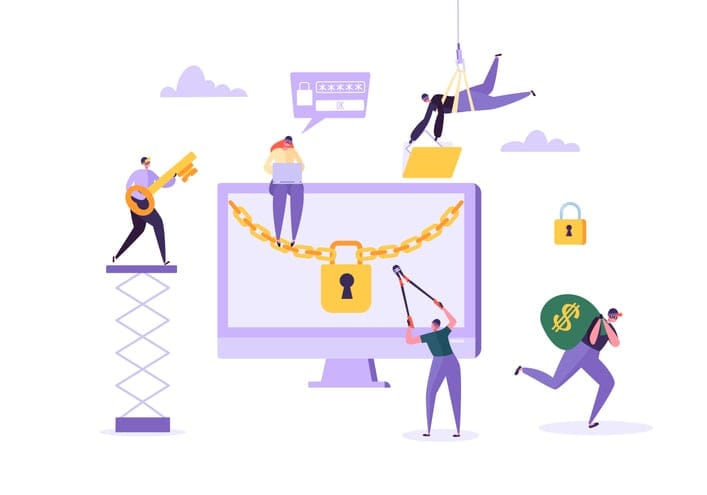
Domain hijackers take advantage of security weaknesses at your domain registrar, your email service, or your own security practices. The technical details are quite lengthy, but basically, thieves get control of your domain by convincing your domain registrar that they are you. Then, the thieves transfer your domain to their own account, usually with a registrar located in a different country. Thieves hijack domains for several criminal reasons, but the usual motive is to take control of your domain and then sell the registration back to you.

Domain hijacking is very costly. According to Symantec, a US-based security software company, the annual cost to firms from domain hijacking is about $400 billion (£310 billion). Many high-profile domains have been hijacked in the past, including Google, Forbes, Twitter, and the New York Times.

If thieves hijack your domain, recovering it can be very difficult. If you think that you have been the victim of domain hijacking, you should immediately notify your domain registrar. In some cases, your registrar can help you regain control of your domain if you can prove to their satisfaction that it has been hijacked. However, in many cases, the only recourse that you will have is a lengthy and costly litigation procedure to try to regain control.

Of course, the best way to deal with domain hijacking is not to have it happen in the first place. There are steps that you can take to minimise the risks:

  • Choose your registrar wisely. There are hundreds of domain registrars in existence, so be sure to conduct your due diligence to make sure that your domain registrar is reputable.
  • Keep your contact information current. Most registrars use email to keep in contact with their clients and to reset passwords, so be sure that your registrar has the correct email address for you.
  • Create a secure password. Weak passwords are one of the main reasons that domains get hijacked. Be sure to choose a password that is not easy to guess, and only provide access to the password to individuals in your company who absolutely require it.
  • Use a private personal identity. Thieves often do an internet search to find the contact information for domains, so consider registering your domain using the WHOIS Privacy Service, which will keep your contact information private.
  • Monitor your domain. Frequently check your domain for any unauthorised changes, and promptly notify your registrar if you notice anything unusual.
  • Lock your domain registration. Most registrars will allow you to lock your registration, which will prohibit a third party from transferring, modifying, or deleting it.
  • Renew your domain on time. Be aware of the expiration date for your domain registration and renew it before it expires.

By taking these steps, you can help avoid the expense and hassle of attempting to recover a hijacked domain in the future.

Share this

More from StatusCake

What the Namecheap Outage Revealed About DNS Recovery

4 min read On 13th August 2026, a storm knocked out cooling at RadiusDC’s Phoenix data centre, which hosted essential Namecheap operations. To protect hardware from thermal damage, Namecheap took services offline while temporary chillers were brought in. The incident and recovery ran for roughly 30 hours, with Namecheap’s own site unreachable for about 11 hours 42 minutes

Monzo’s Stand-In Held Up on Wednesday. Some Customers Still Had a Bad Day.

3 min read On Wednesday 19 August, Monzo had an outage. DownDetector logged more than 3,000 reports by midday. Monzo’s own statement was direct about what it did next: it activated Monzo Stand-in, its fully independent backup bank, while it investigated an issue affecting customers. By the end of the day, Monzo said the issue was resolved and

What Broke GitHub on August 17 and How Retries Made the Incident Worse

3 min read GitHub’s incident on 17 August 2026 ran from 13:28 to 21:15 UTC, seven hours and forty-seven minutes. At peak, web and API traffic saw error rates of around 20%, while archive and raw-content downloads reached roughly 50%. SAML and OIDC authentication, SCIM and Team Sync were affected alongside Git operations, Actions, Pages, Issues, Pull Requests

Automate StatusCake Monitoring with viaSocket

3 min read Adding a new website, launching a customer portal, or handing a service to a new team should be straightforward. Setting up monitoring is part of that job, but it is easy for a manual step to be missed when information is spread across several systems. StatusCake now integrates with viaSocket, giving teams a way to connect

Website Monitoring Checklist: What to Track Beyond Uptime

7 min read A website may be standing and still be in trouble. It may answer a request, return a cheerful 200 OK, and yet load slowly enough that visitors begin to lose patience. Its certificate may be nearing expiry. Its domain records may have changed. A server may be filling its disk in the background, patient and

Want to know how much website downtime costs, and the impact it can have on your business?

Find out everything you need to know in our new uptime monitoring whitepaper 2021

*By providing your email address, you agree to our privacy policy and to receive marketing communications from StatusCake.