In this blog post I want to go over some of the software I use alongside my IDE/version control tools during my day-to-day work. These tools allow me to cut down on wasted time spent doing things inefficiently, track my work, take notes, and generally make my life easier.
I’ve also reached out to Damien, a local developer friend who has provided me examples of the tools they use as a front end developer.
My Picks
Notepad++
In my opinion, Notepad++ is literally the best text editor you can use. I use it for almost everything that involves text outside of my IDE and I could dedicate multiple blog posts to cover all its features. But for now, here are my top 3:
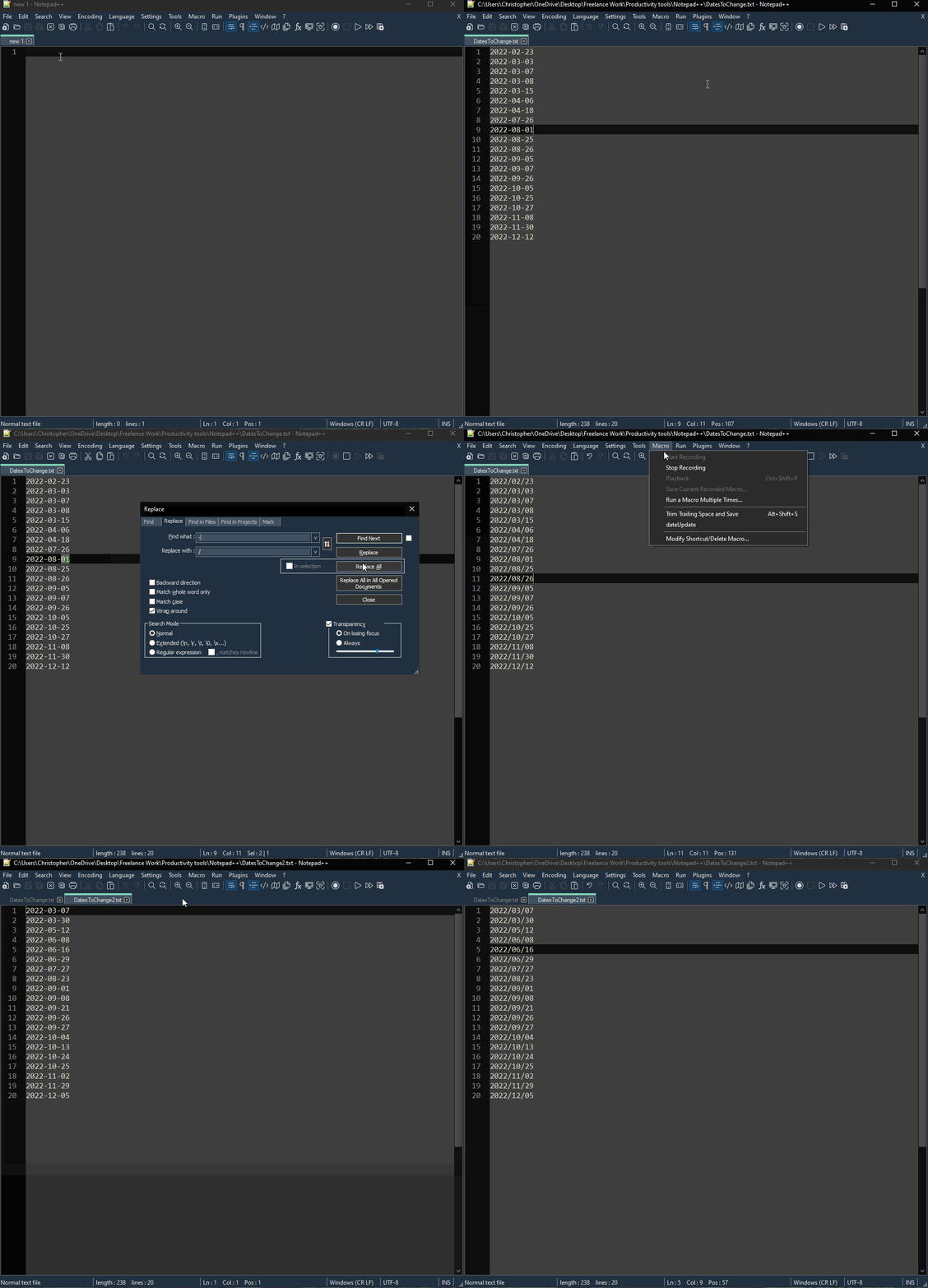
Automate repetitive tasks with custom macros. Say you’ve got the boring task of opening a bunch of different documents. Once open you need to run a find and replace on the date values and convert them from using forward slashes ‘/’ to using hyphens ‘-‘’ (or something equally as tedious) and then re-saving the files as a different format. Notepad++ allows you to just record all the steps you take on the first file then run your recorded macro on the rest!
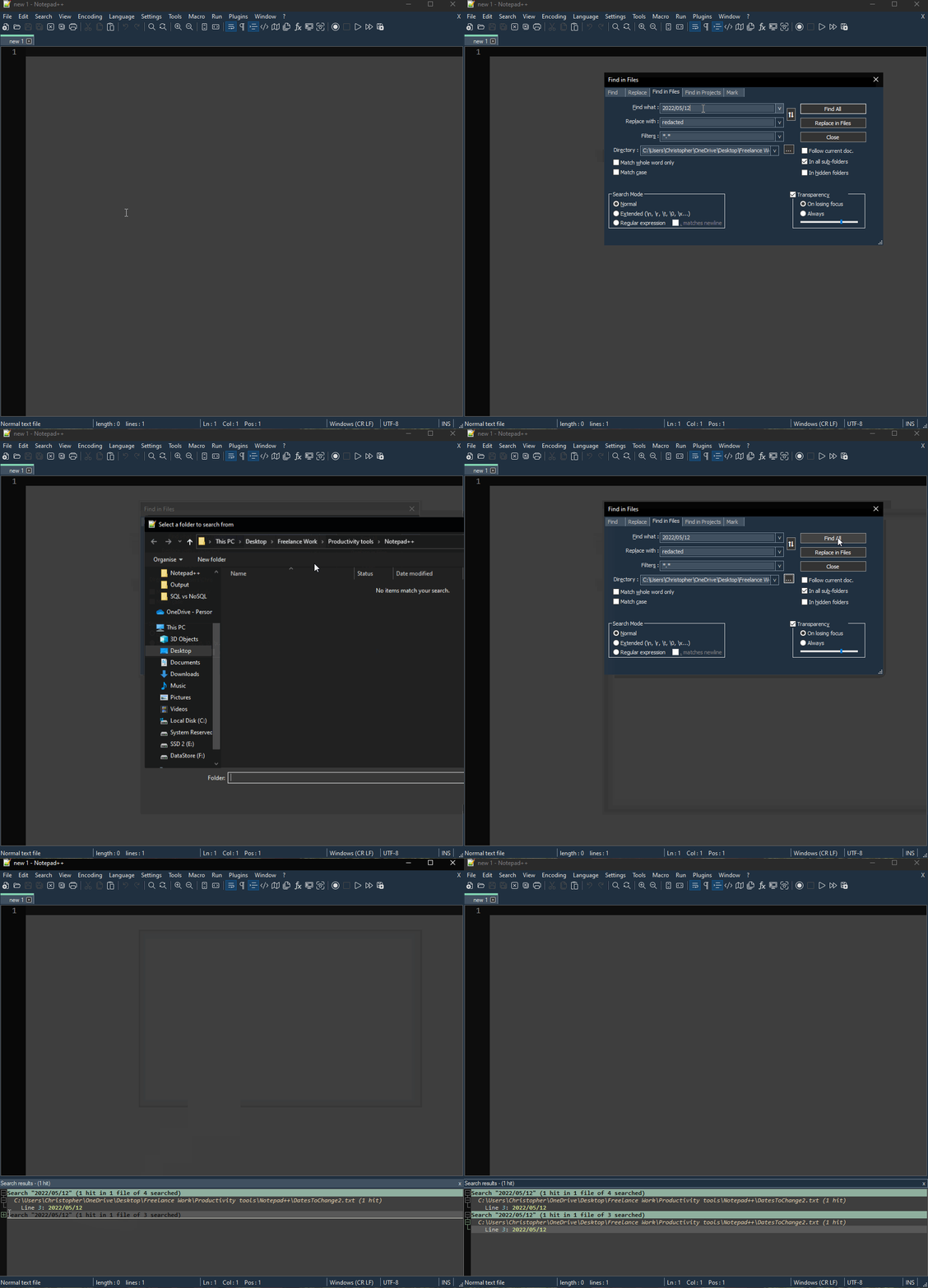
Powerful find & replace functionality. Notepad++ allow`3s you to apply your searches to not only the current file you are working on, but all open file or even all files in a directory, and their sub-directories!
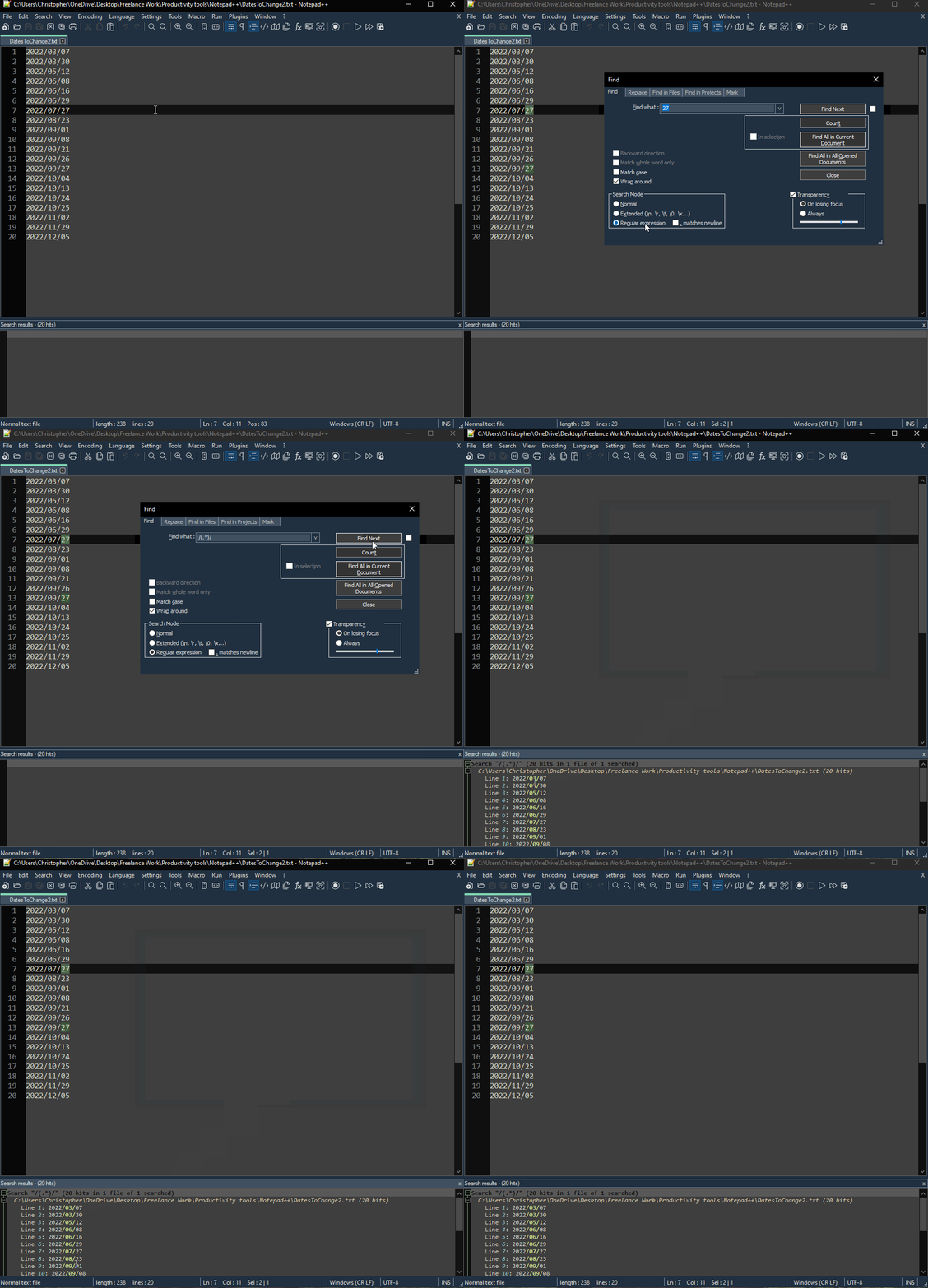
It supports Regex search (and replace). If you’ve read some of my other blog posts, you’ll know I’m a big fan of regex. Regex searches even work with the sub-directory file searches, very powerful!
I could go on and on about Notepad ++ all day, I’ve barely scratched the surface. Not bad for a free tool right?
PowerShell
One of my most tedious workflows involves copying newly complied. dll’s to a remote server, then needing to restart a few services and recycle some app pools to register the changes on the remote machine. To do this manually it can take 5-10 minutes and I often have to do this many times a day. I quickly grew tired of this and instead created a little PowerShell script that takes care of the file transfers and service restarts for me.
PowerShell is a powerful tool for many reasons, but I find the ease in which you can automate away a lot of time sucks a true blessing.
λ cmder
cmder is mainly on this list because I love the way you can configure it to slide down from the top of the screen quake-style, I’m not even sorry. I love having it bound to a hotkey ( ` for maximum nostalgia of course )
It’s got a lovely default theme but includes many others. If you choose to install the git-for-windows version, you will have all Unix commands ready in PATH so that you can git init or cat instantly on every machine.
I must admit I mainly use it to look up things that would require me to use more mouse clicks than I would want to…
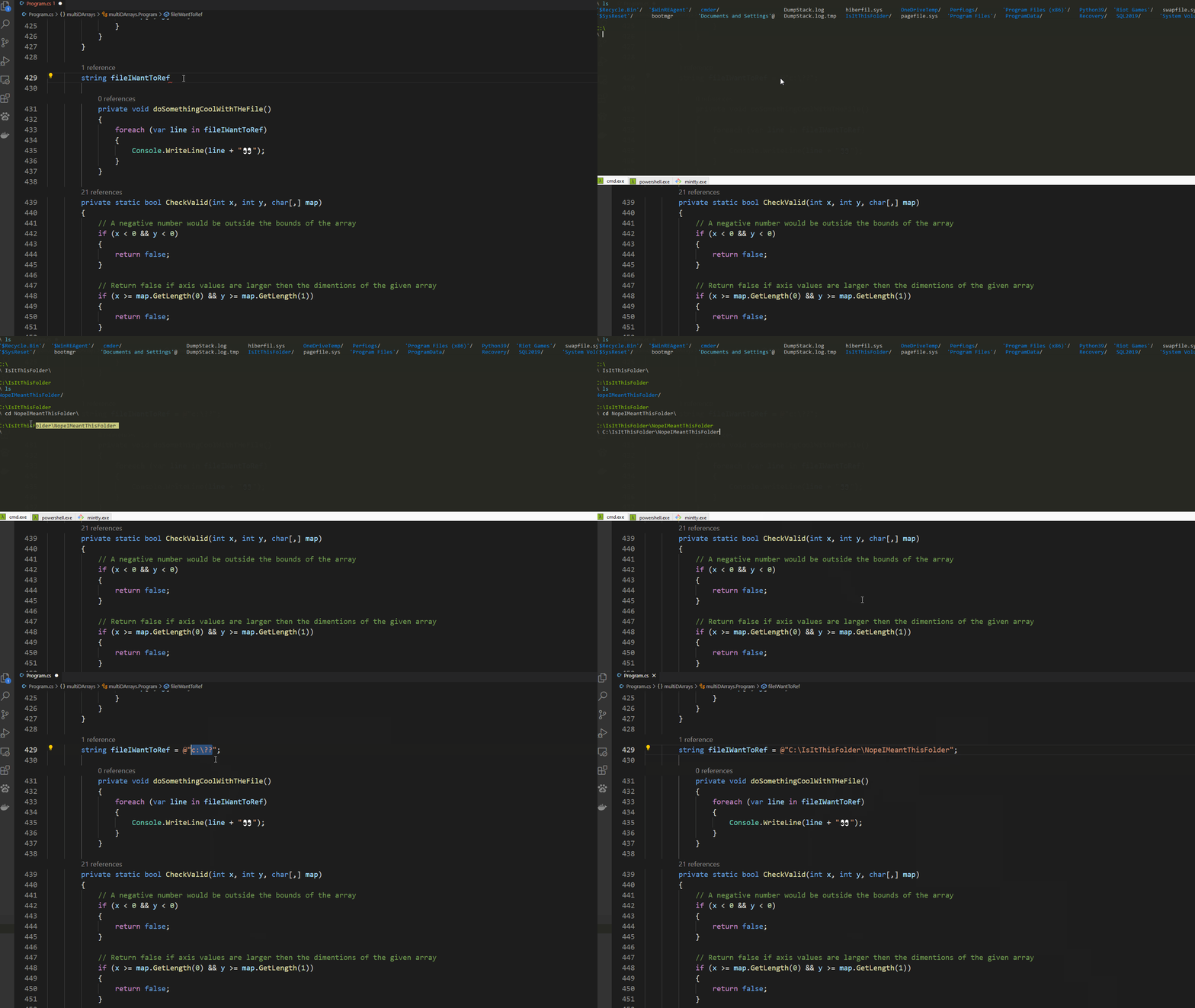
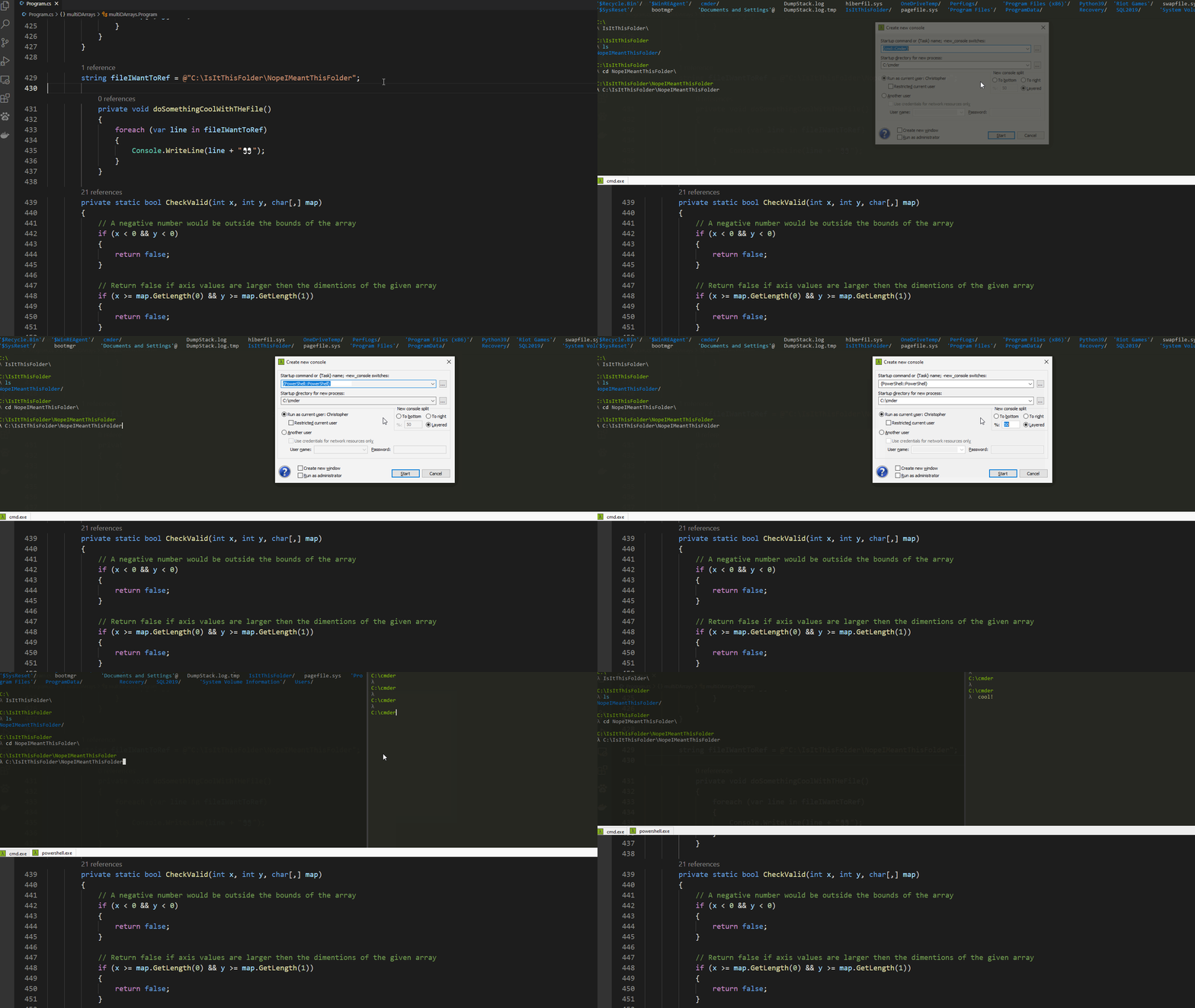
You can also do cool stuff like opening multiple different tabs of cmd windows, or even split them across the screen, all without your fingers leaving the keyboard.
Apart from that, it’s totally customisable and portable. If you can’t find the option you want to configure in the settings menu, you can fork & modify it to get under the hood and add features to your hearts content, and take it with you wherever you go.
Damien’s Picks
Insomnia and httpie
Tools built specifically for building and testing API’s.
Insomnia is a tool designed to make designing APIs slick, streamlined and collaborative.
Whereas httpie is designed to let you call and test APIs directly from the terminal and is aesthetically pleasing to boot.
fig.io and warp
Damien’s picks for a fancy terminals (I’m going to assume he’s not heard of cmder…). These picks give you VSCode style auto complete, customisability, performance boosts and more. Or in Damien’s own words “Terminal super powers”.
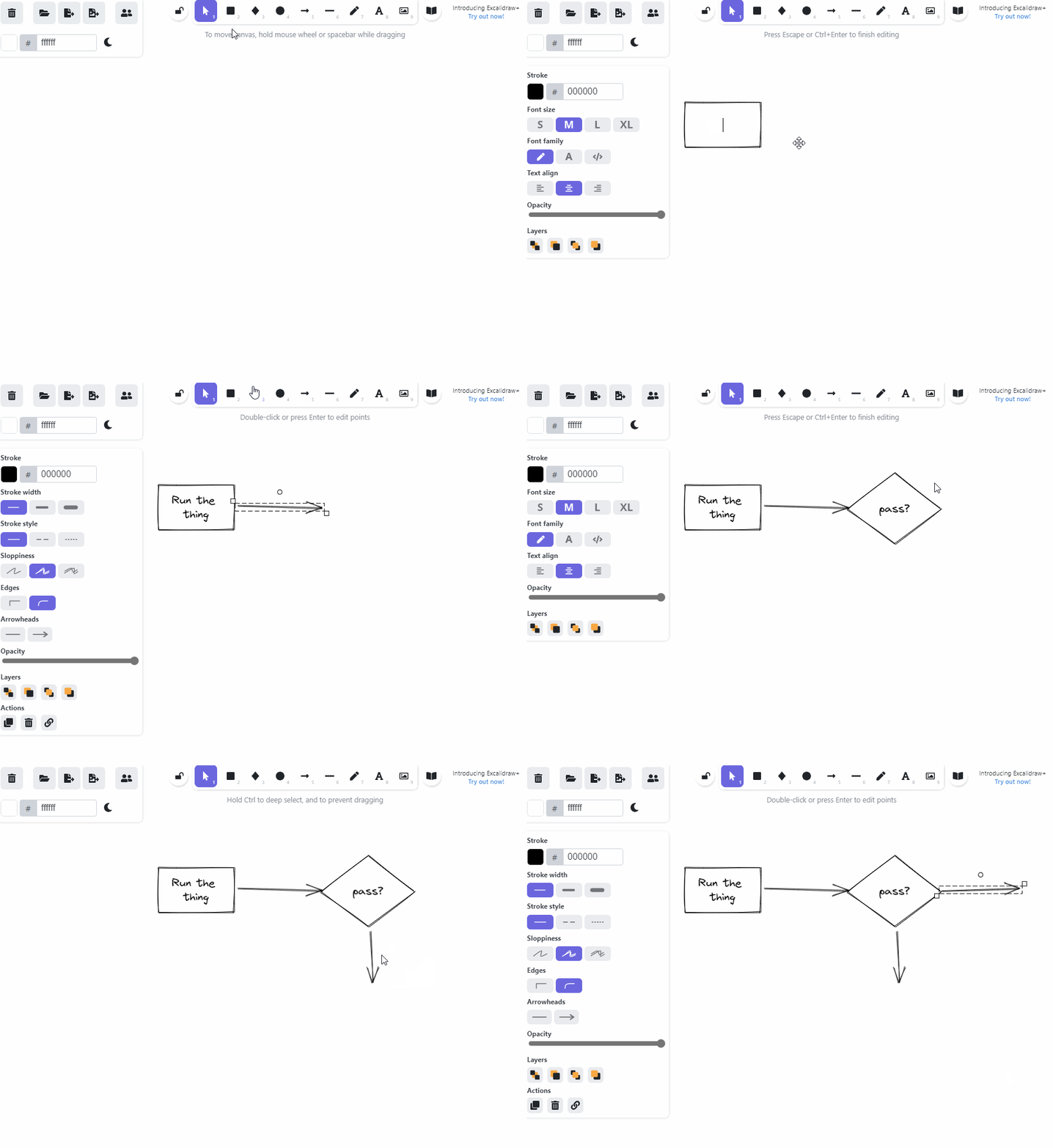
Excalidraw and tldraw
Both tools enable you to produce quick mock-ups and application flow mapping directly in the browser by yourself, or collaboratively.
Hasura
A Postgres DB that gives you GraphQL across all your data. Has a slick UI and makes implementing relationships super easy.
Deno
Deno is a simple, modern, and secure runtime for JavaScript and TypeScript that uses V8 and is built in Rust. Built to address the numerous shortcomings of NodeJS, but it’s on Damien’s list because “it has the best logo”.
I see what you mean.
You can find Damien at @damiensedgwick on Twitter if you want him to elaborate further.
Conclusion
There are a lot of tedious tasks and context switching in software development that can take your focus away from the task at hand. These can be mitigated or removed completely with the right tools. I’m sure you have your own keychain of useful software; I encourage you to speak to your dev friends about theirs!
I’m now off to read up about Insomnia and httpie, they look perfect for my next project, cheers Damien!
4min read On 13th August 2026, a storm knocked out cooling at RadiusDC’s Phoenix data centre, which hosted essential Namecheap operations. To protect hardware from thermal damage, Namecheap took services offline while temporary chillers were brought in. The incident and recovery ran for roughly 30 hours, with Namecheap’s own site unreachable for about 11 hours 42 minutes
3min read On Wednesday 19 August, Monzo had an outage. DownDetector logged more than 3,000 reports by midday. Monzo’s own statement was direct about what it did next: it activated Monzo Stand-in, its fully independent backup bank, while it investigated an issue affecting customers. By the end of the day, Monzo said the issue was resolved and
3min read GitHub’s incident on 17 August 2026 ran from 13:28 to 21:15 UTC, seven hours and forty-seven minutes. At peak, web and API traffic saw error rates of around 20%, while archive and raw-content downloads reached roughly 50%. SAML and OIDC authentication, SCIM and Team Sync were affected alongside Git operations, Actions, Pages, Issues, Pull Requests
3min read Adding a new website, launching a customer portal, or handing a service to a new team should be straightforward. Setting up monitoring is part of that job, but it is easy for a manual step to be missed when information is spread across several systems. StatusCake now integrates with viaSocket, giving teams a way to connect
7min read A website may be standing and still be in trouble. It may answer a request, return a cheerful 200 OK, and yet load slowly enough that visitors begin to lose patience. Its certificate may be nearing expiry. Its domain records may have changed. A server may be filling its disk in the background, patient and
6min read StatusCake tells you that something might be broken. Hermes can check whether it really looks broken, decide who should hear about it, send the email, and keep the record for tomorrow morning’s summary.
Daniel
May 13, 2026
Sign up for the StatusCake newsletter
Want to know how much website downtime costs, and the impact it can have on your business?
Find out everything you need to know in our new uptime monitoring whitepaper 2021